
Cloudbeds bookings with WhatsApp confirmation and reminder
When a booking is confirmed in Cloudbeds, ChatSales messages the guest on WhatsApp from your hotel's number with the property, arrival and check-in time, and reminds them 24 hours before. Replies land in your team's inbox.
 WhatsApp
 ChatSalesWhatsApp Business
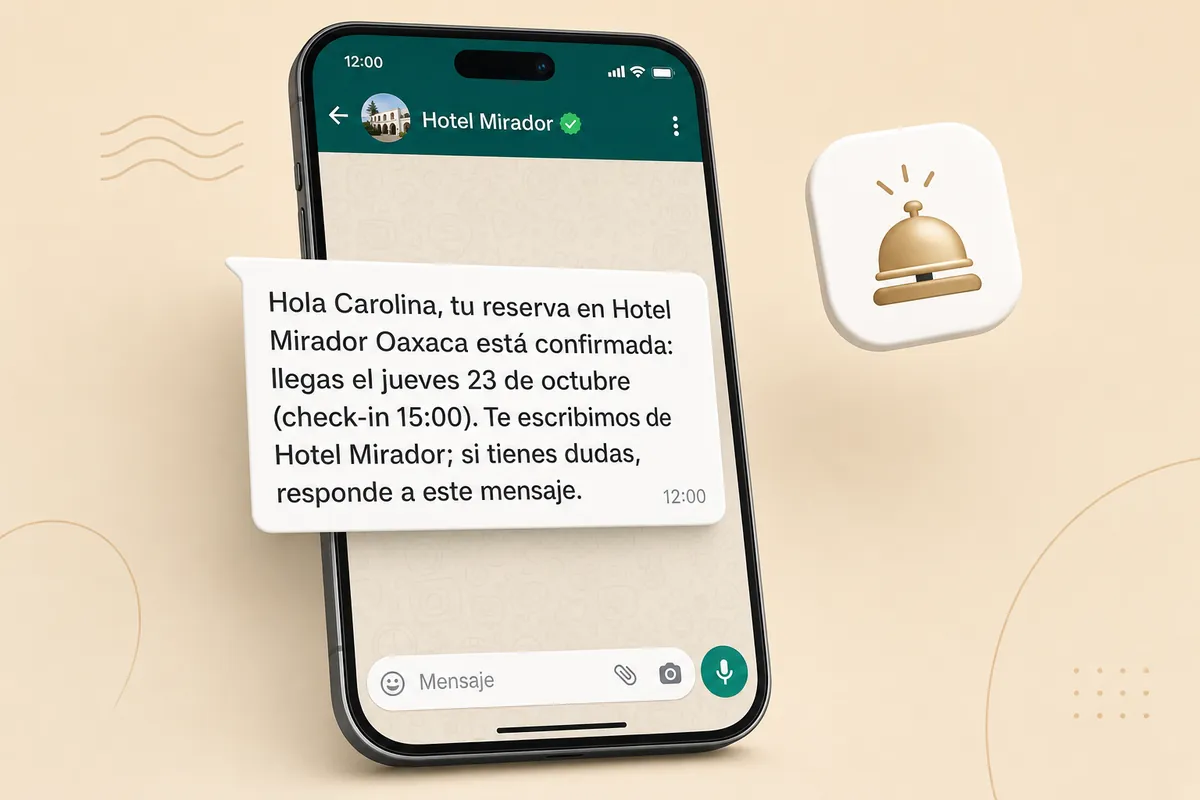
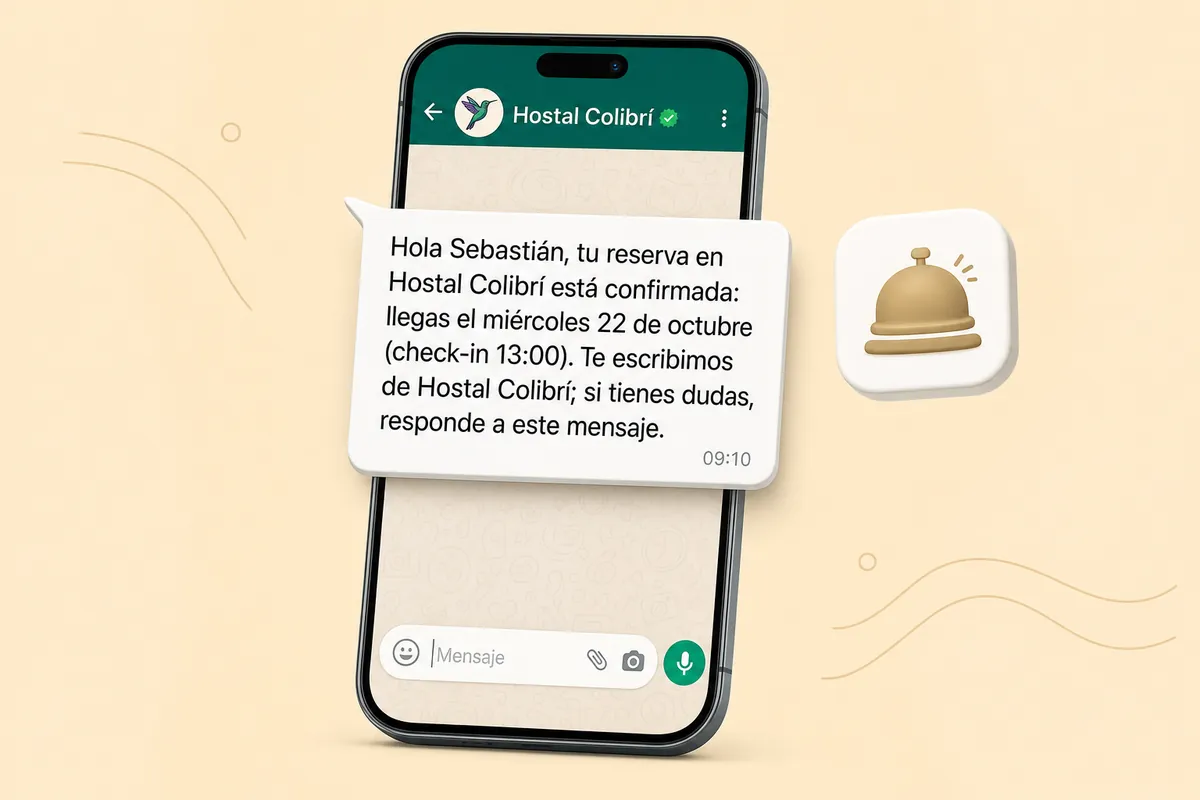
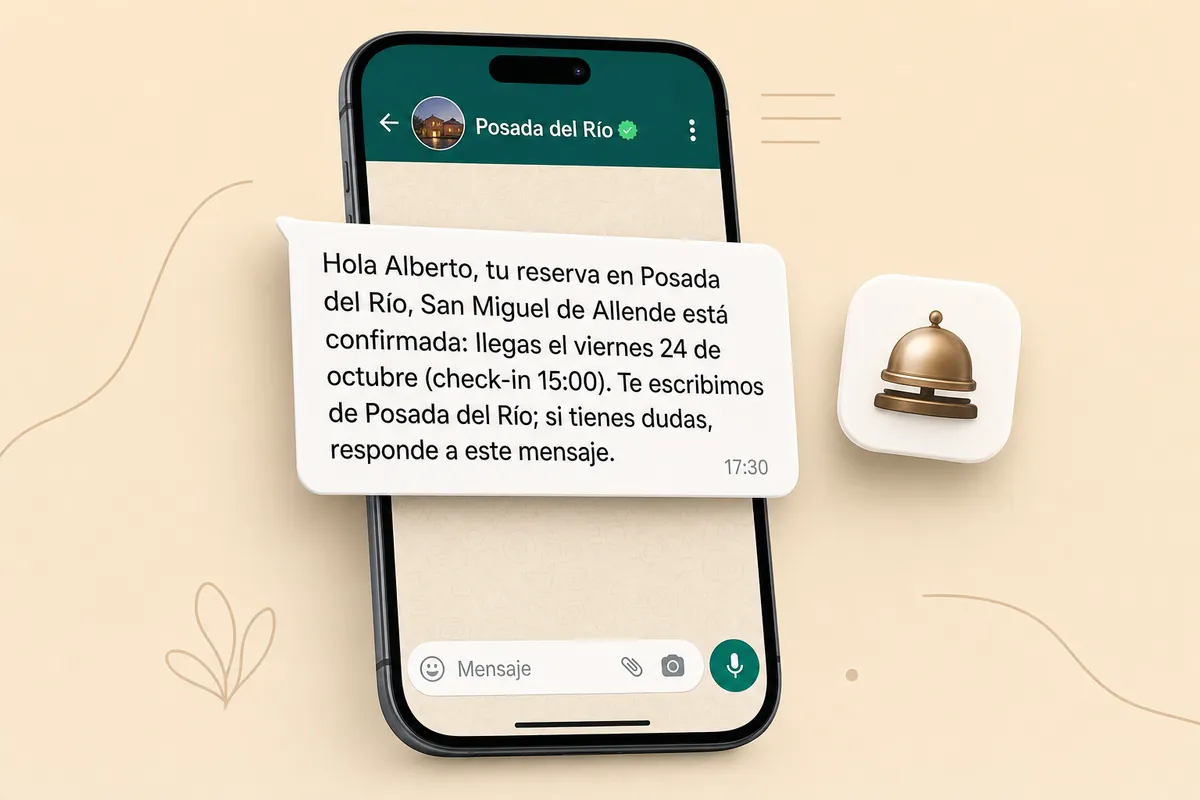
Hi Ana, your booking at Hotel Casa Azul Oaxaca is confirmed: you arrive Friday, October 17 (check-in 3:00 pm). We're writing from Hotel Casa Azul; if you have questions, reply to this message.
Sample data. Shown in English: your customers get the Mexican Spanish template.
How it works
- A booking is confirmed in Cloudbeds.
- ChatSales messages the guest with the property, arrival and check-in time, from your number.
- 24 hours before check-in (in the property's time zone) it sends a reminder.
- If the stay is moved or cancelled, the reminder moves or cancels with it.
Use cases
This is the message your customers get, in three kinds of business. Sample data; customers receive the Mexican-Spanish template.
Integrate Cloudbeds now → No account yet? Create one for free →
What it does and doesn't do
| ✅ It can | 🚫 It can't |
|---|---|
| Confirm every new booking on WhatsApp: property, arrival date and check-in time. | Message guests with no phone on the booking (some channels hide it). |
| Remind the guest 24 hours before check-in, in the property's time zone; if the stay moves, the reminder moves with it. | Write about unconfirmed, cancelled or no-show bookings. |
| Register the webhooks in Cloudbeds for you (nothing to paste) and remove them if you disconnect. | Change bookings, rates or availability: it only reads bookings and manages its own webhooks. |
| Write without Meta-approved templates (Utility category). |
🔐 A Cloudbeds API key reads your property's bookings and guests. ChatSales stores it encrypted and only uses it to read bookings and to create or remove its webhooks. You can delete the key any time in Cloudbeds; it then stops working here. Cloudbeds disables keys unused for 30 days, which won't happen while bookings arrive.
Set up in 3 steps
- Turn on Cloudbeds in the ChatSales App Store.
- Create a property API key in Cloudbeds (it starts with cbat_, scopes read:hotel and read:reservation) and paste it into ChatSales: ChatSales registers the webhooks, nothing to paste in Cloudbeds.
- Review the messages and switch off any you don't want.
The message your customer gets
ChatSales creates this template in Mexican Spanish and submits it to Meta; here is what it says, in English (you can pick another approved flow):
What you need
You need:
A WhatsApp API number connected in ChatSales (Connect your WhatsApp). These messages are the first contact with someone who has not written to you, so WhatsApp only allows them with a Meta-approved template.
To be an admin of your ChatSales team and have access to your Cloudbeds account.
Rules that protect your number
Numbers without a country code: your guests come from many countries, so by default we only message numbers with "+code". If nearly all your guests are from Mexico, you can turn it on under Connection.
Frequently asked questions
Does Cloudbeds integrate with WhatsApp?
Yes. With ChatSales: Booking confirmation and check-in reminder on WhatsApp. You turn it on from the ChatSales App Store in 3 steps, with your WhatsApp API number.
Which bookings get messages?
Only confirmed bookings with a phone.
What about bookings I already had?
Bookings made before you connect get the reminder, but not the confirmation.
Does the Cloudbeds API key expire?
Cloudbeds deactivates keys unused for 30 days; ChatSales uses it every week so it doesn't expire.
Doesn't Cloudbeds have WhatsApp?
Cloudbeds sells its own guest messaging add-on. ChatSales is another option: your notices and guests' replies sit in the same inbox where your team handles WhatsApp, Instagram and Messenger.
You might also like
Connect Cloudbeds to ChatSales
Create your free account and connect your first channel in minutes.