
OXXO and SPEI payment reminders with Conekta
If you charge with Conekta, ChatSales reminds your customer on WhatsApp to pay their OXXO voucher or SPEI reference before it expires, and sends "payment received". Before reminding, it re-checks the order in Conekta.
 WhatsApp
 ChatSalesWhatsApp Business
Hi Ana, your order #1042 for MX$899.00 has a pending OXXO payment voucher.
Reference: 9300 0001 2345 6789
Deadline: October 14, 23:59
You can pay it at any OXXO store with this reference. If you already paid, please ignore this message.
Sample data. Shown in English: your customers get the Mexican Spanish template.
How it works
- Your customer picks OXXO or SPEI at your Conekta checkout and gets their reference.
- ChatSales sees the order in your Conekta and schedules the reminder.
- Before it expires, it checks in Conekta that it's still pending and sends the WhatsApp from your number.
- When it's paid, it sends "payment received", if you turned that message on.
Use cases
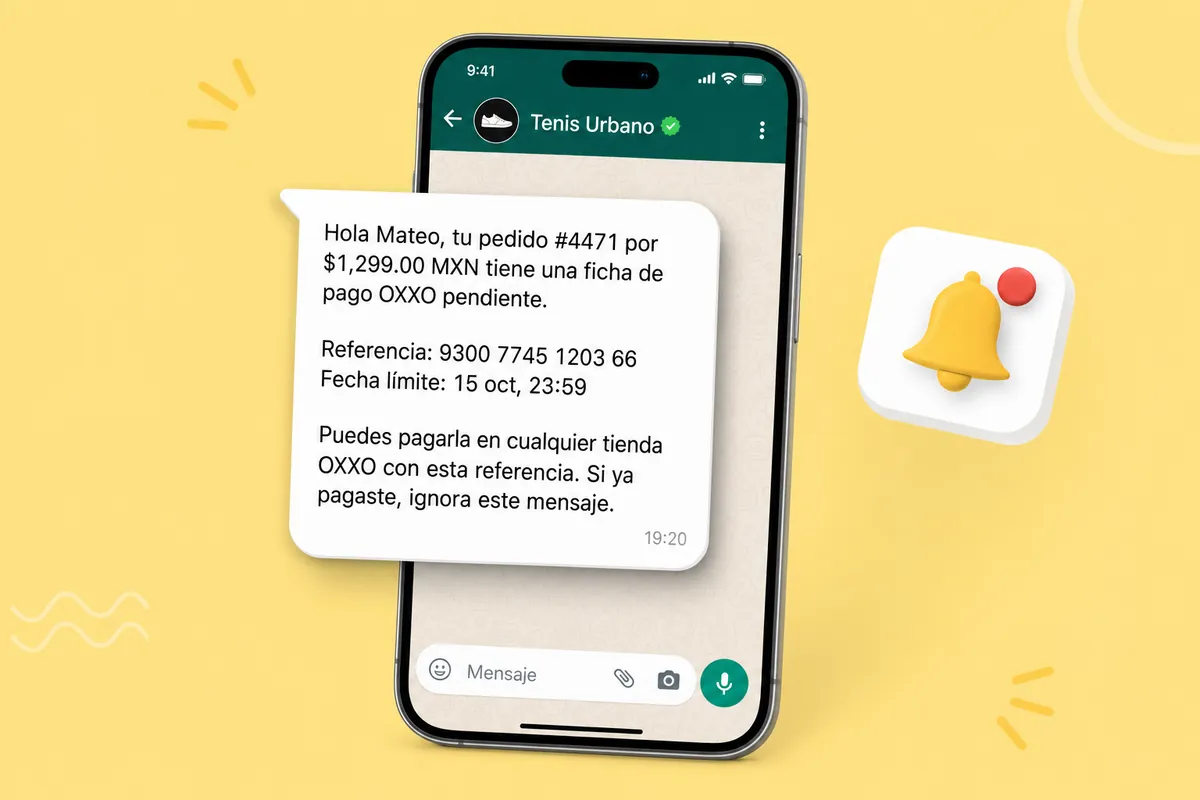
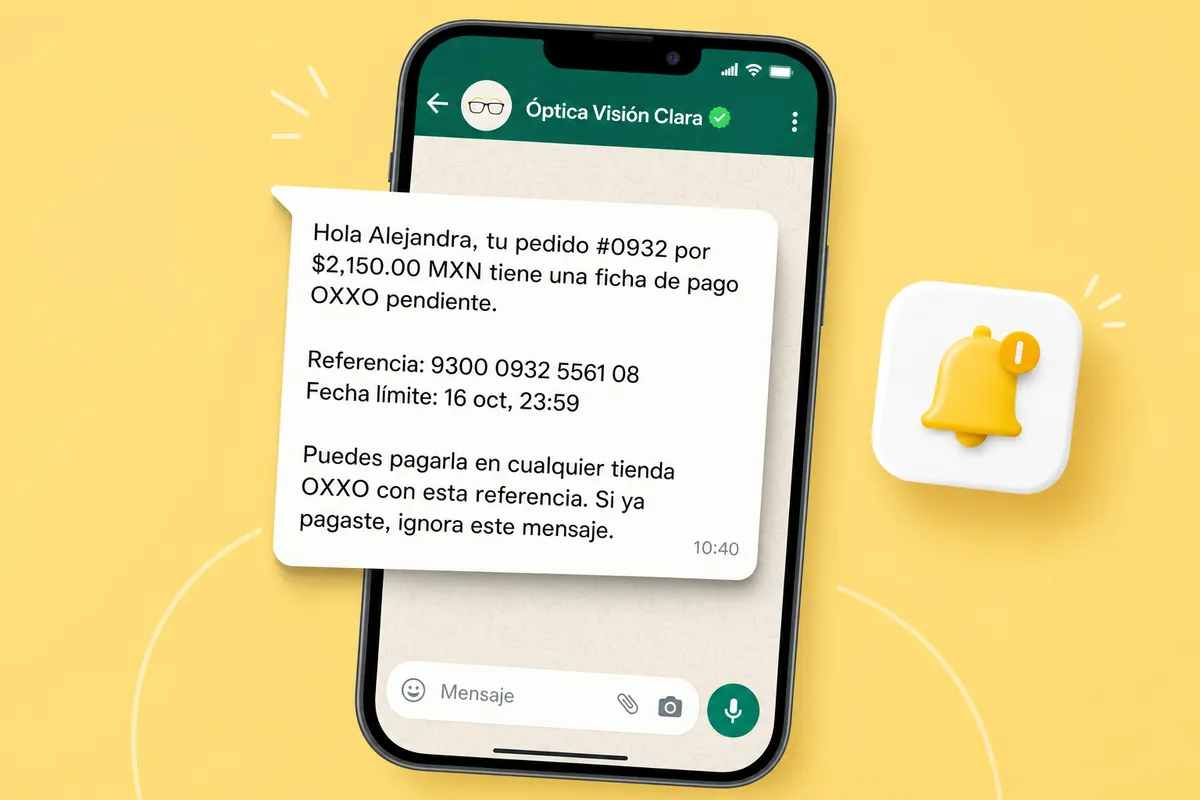
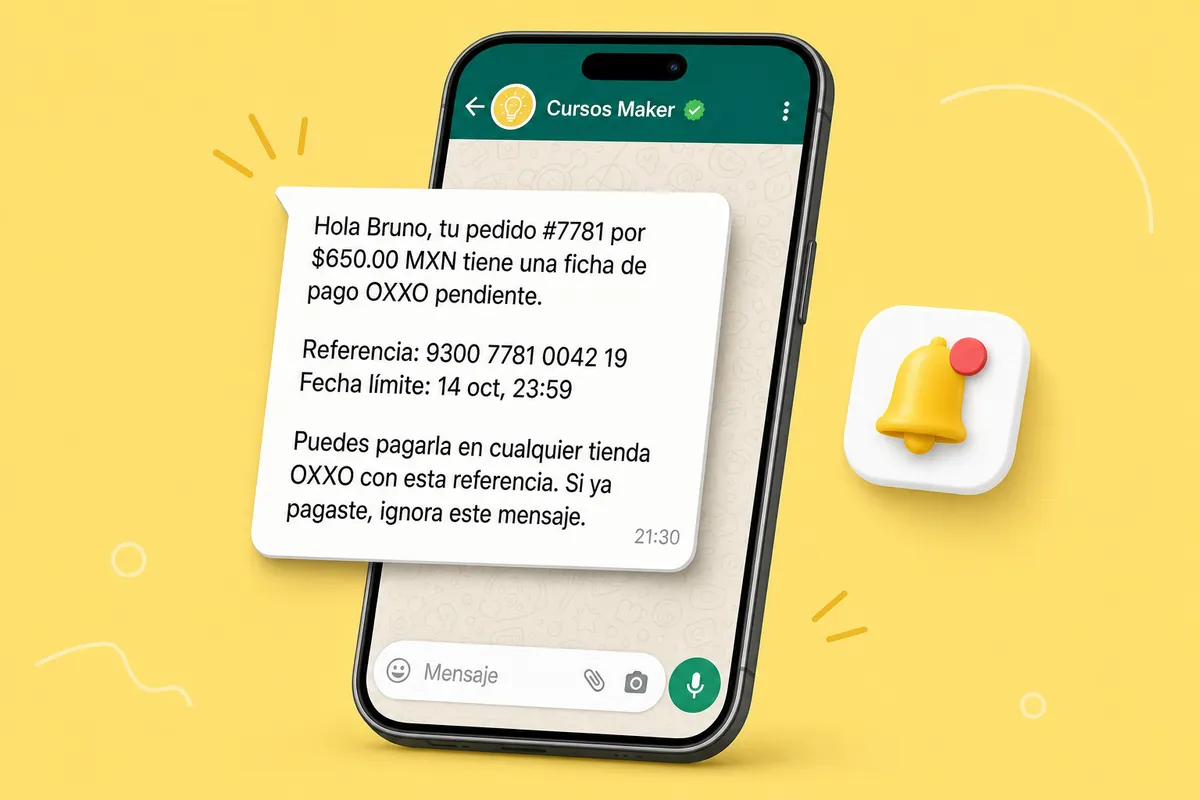
This is the message your customers get, in three kinds of business. Sample data; customers receive the Mexican-Spanish template.
Integrate Conekta now → No account yet? Create one for free →
What it does and doesn't do
| ✅ It can | 🚫 It can't |
|---|---|
| Remind your customer on WhatsApp before their Conekta OXXO voucher or SPEI reference expires. | Message someone with no phone in the Conekta order's customer details. |
| Tell them "payment received" when Conekta confirms the payment (you can turn it off). | Remind card payments: only OXXO and SPEI stay pending. |
| Check with Conekta right before reminding: if they already paid, nothing is sent. | Charge, refund or move money: it only reads your orders and registers its webhook. |
| Show you every OXXO / SPEI order and what was sent (or why not). | Write without a WhatsApp API number with Meta-approved templates. |
🔐 Conekta has no read-only keys: this key gives full access to your Conekta account. ChatSales only uses it to register its webhook and check your orders' status; we store it encrypted. Create a new key just for ChatSales: if you deactivate or delete it in Conekta, ChatSales loses access at once.
Set up in 3 steps
- Turn on Conekta in the ChatSales App Store.
- Paste your Conekta private key. The guide walks you through it click by click.
- Turn on the messages you want (all start off) and choose how many hours before expiry.
The message your customer gets
ChatSales creates this template in Mexican Spanish and submits it to Meta; here is what it says, in English (you can pick another approved flow):
What you need
You need:
A Conekta account you take OXXO or SPEI payments with, and access to its panel.
A WhatsApp API number connected in ChatSales (Connect your WhatsApp): reminders go out with Meta-approved templates.
To be an admin of your ChatSales team.
Frequently asked questions
Does Conekta integrate with WhatsApp?
Yes. With ChatSales: Conekta OXXO and SPEI payment reminders on WhatsApp. You turn it on from the ChatSales App Store in 3 steps, with your WhatsApp API number.
What if the customer already paid?
Before reminding, ChatSales checks the order in Conekta: if it's paid, no reminder is sent.
What access does ChatSales get in Conekta?
Conekta has no read-only keys: the private key gives full access. ChatSales stores it encrypted and only uses it to read orders and register its webhook.
Do I need the WhatsApp API?
Yes, a WhatsApp API number connected in ChatSales, with Meta-approved templates.
You might also like
Connect Conekta to ChatSales
Create your free account and connect your first channel in minutes.