
Google Ads leads to WhatsApp, within minutes
When someone fills in your Google Ads lead form, ChatSales messages them on WhatsApp from your number so the conversation starts while interest is high.
 WhatsApp
 ChatSalesWhatsApp Business
Hi Ana, thanks for your interest in Smile Clinic. We got your details and we're writing here to help. What would you like to know?
Sample data. Shown in English: your customers get the Mexican Spanish template.
How it works
- Someone fills in your lead form on Google Ads.
- Google Ads sends the lead to ChatSales through a webhook with your URL and key.
- ChatSales messages them on WhatsApp from your number with a Meta-approved template, and the chat lands in your inbox.
- In Activity you see every lead: sent, waiting or not sent (with the reason).
Use cases
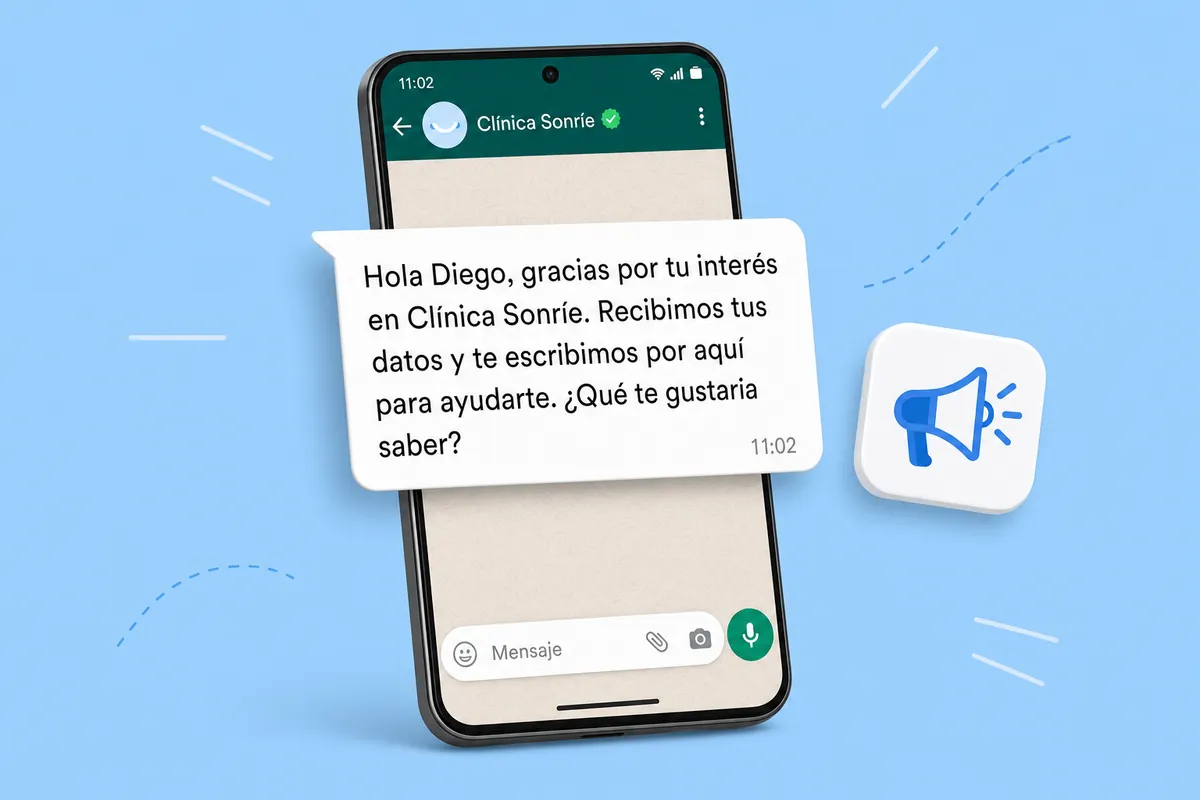
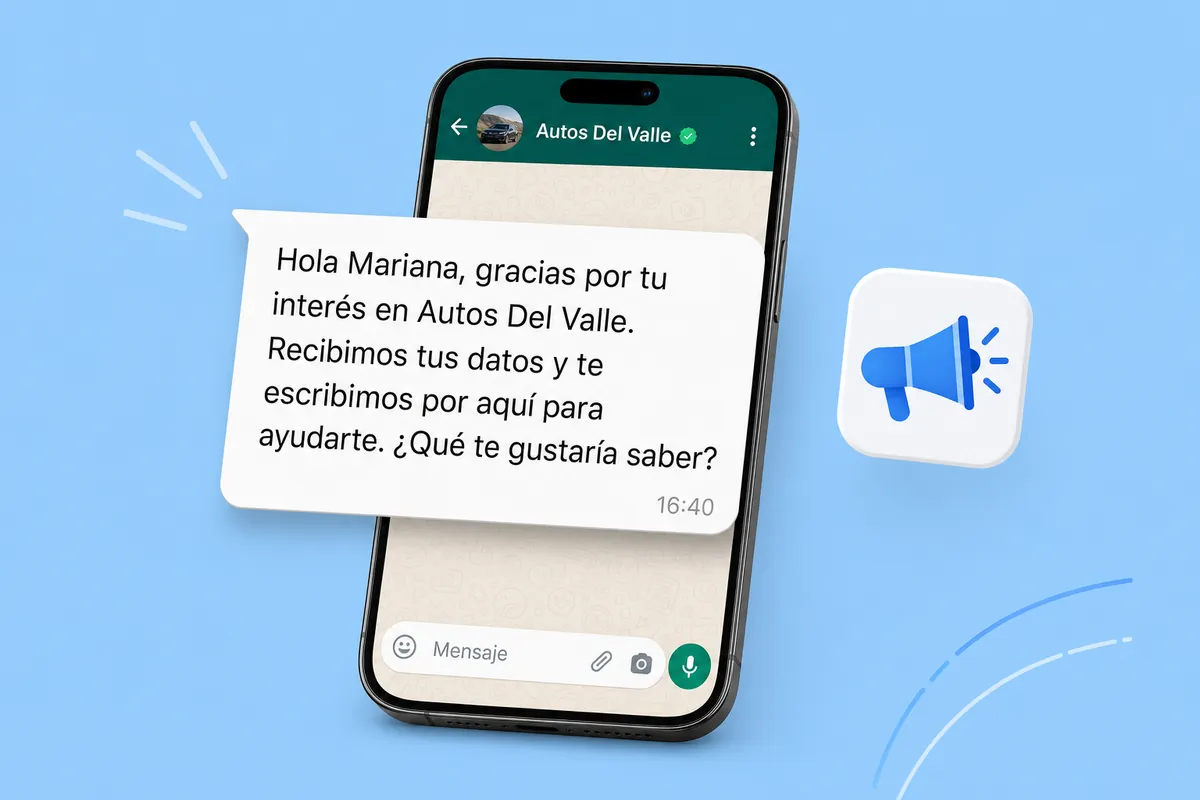
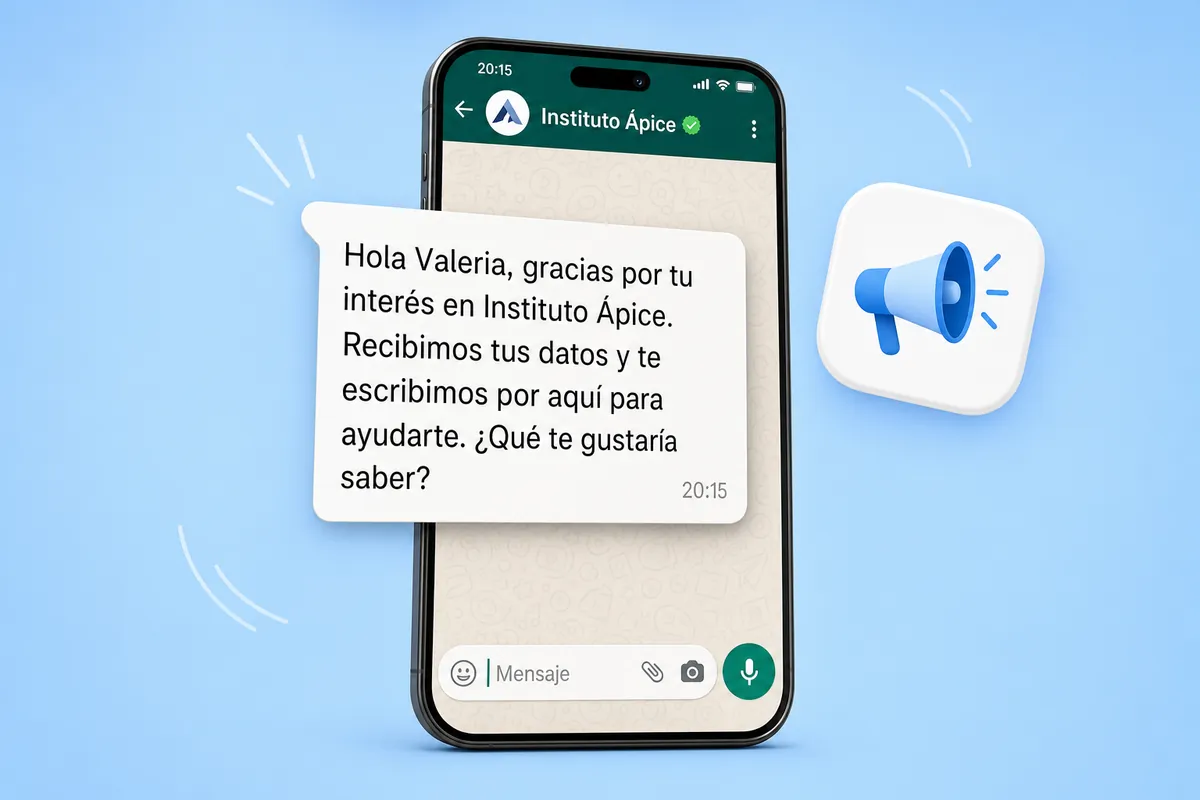
This is the message your customers get, in three kinds of business. Sample data; customers receive the Mexican-Spanish template.
Integrate Google Ads now → No account yet? Create one for free →
What it does and doesn't do
| ✅ It can | 🚫 It can't |
|---|---|
| Message every new lead from your Google Ads lead forms on WhatsApp, as soon as it arrives. | Message someone who didn't leave a phone number in the form. |
| Use the template we create and send to Meta for you, or one of your own approved flows. | Read your Google Ads campaigns, spend or results. |
| Show you every lead that arrived and whether it was messaged (or why not). | Write without a Meta-approved template. This one is in the Marketing category: Meta charges that rate. |
| Ask for consent on your behalf: your form must say you will contact them on WhatsApp. |
🔐 We never ask for passwords or keys from the platform: it sends each submission to a secret URL. ChatSales uses its own token (Settings → API) to create the template and write from your number.
Set up in 3 steps
- Turn on Google Ads in the ChatSales App Store: we create your webhook URL and template and submit it to Meta.
- In Google Ads, paste the URL and key under "Webhook integration (optional)" in your form and send test data.
- Add a consent line to your form, for example "I agree to be contacted on WhatsApp".
The message your customer gets
ChatSales creates this template in Mexican Spanish and submits it to Meta; here is what it says, in English (you can pick another approved flow):
What you need
You need:
A WhatsApp API number connected in ChatSales (Connect your WhatsApp). These messages are the first contact with someone who has not written to you, so WhatsApp only allows them with a Meta-approved template.
To be an admin of your ChatSales team and have access to your Google Ads account.
Rules that protect your number
So a public form can't be used to make your number write to strangers: one message per number every 24 h, and at most 60 per hour and 300 per day per app. Anything over the limit stays in Activity with the reason.
Numbers without a country code are treated as Mexican (+52) by default. If you get contacts from other countries, turn it off under Connection and we only message numbers with "+code".
Add a consent line to your form (for example "I agree to be contacted on WhatsApp"): WhatsApp requires people to agree to receive messages from your business.
Frequently asked questions
Does Google Ads integrate with WhatsApp?
Yes. With ChatSales: Message every lead from your ads on WhatsApp within minutes. You turn it on from the ChatSales App Store in 3 steps, with your WhatsApp API number.
How long does the message take?
Minutes. While Meta reviews the template, leads wait up to 6 hours; after that they're marked not sent so nobody gets a late message.
What does Meta charge for these messages?
The template is Marketing category, so Meta charges that rate per delivered message by country.
Can it read my campaigns or spend?
No. It only receives the leads Google Ads sends through the webhook.
What happens with "Send test data"?
It shows in Activity as "Test" and nobody is messaged.
You might also like
Connect Google Ads to ChatSales
Create your free account and connect your first channel in minutes.