
How to add the WhatsApp button to your Google Maps and Instagram profiles, step by step with a simulator
Google and Instagram are two of the places new customers find you most, and on both you can add a button that opens WhatsApp. On your Google Business Profile you add it under Edit profile > Contact > Chat; on Instagram it turns on when you link your professional account from WhatsApp Business. Follow the steps in the simulator.
Updated: October 9, 2026
How do I add WhatsApp to my Google Maps profile?
On your Google Business Profile tap Edit profile > Contact, open the arrow under Chat, choose WhatsApp, paste your click-to-chat link and tap Save. The button shows when your business appears on Google Search and Maps.
How do I add the WhatsApp button on Instagram?
From WhatsApp Business: Tools > Facebook & Instagram > Instagram > Continue, log in and confirm. You need a professional Instagram account.
Can I add several WhatsApp numbers on Google?
Yes, Google lets you add several WhatsApp Business numbers to your profile, always in international format.
Ideas to sell more on WhatsApp, in your inbox
What's new in WhatsApp and Meta, AI for business, sales and marketing, with verified data and ready-made templates. Free, no spam, unsubscribe in one click.
We'll email you to confirm. Read our privacy notice.
Why it matters
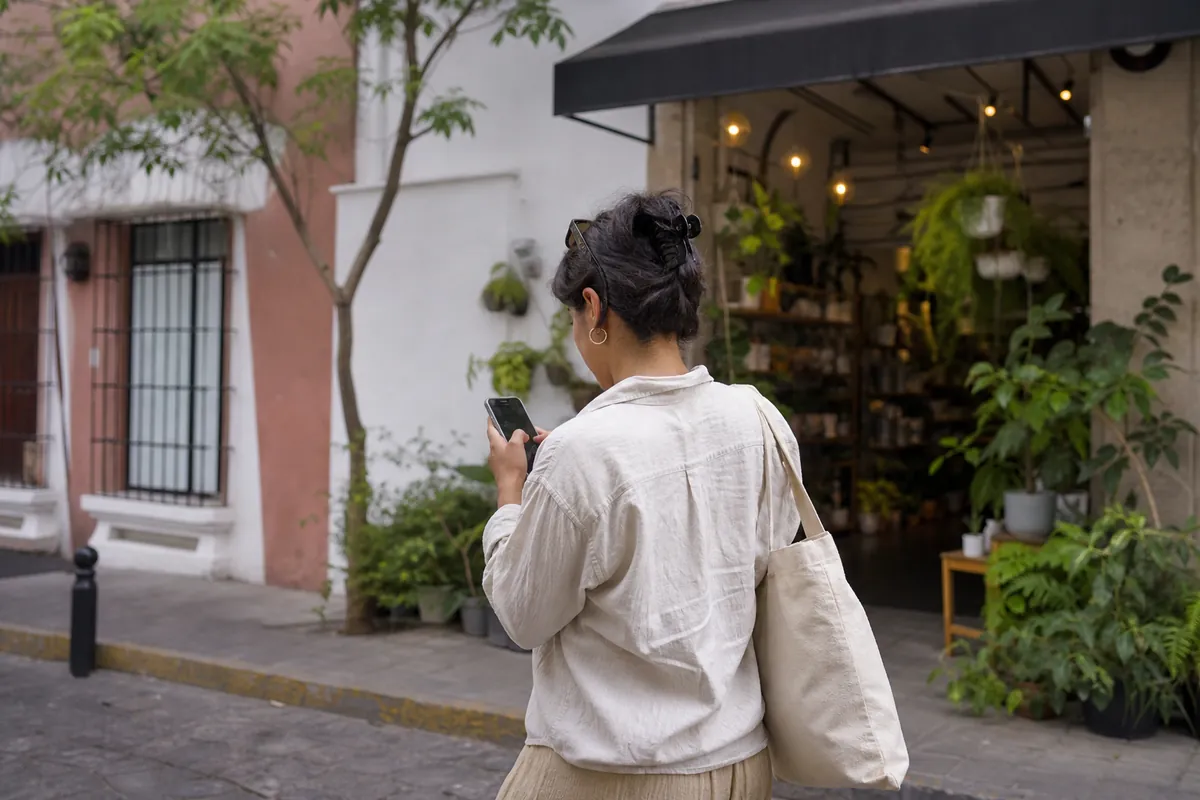
People who find you on Google Maps or Instagram are already looking for what you sell. With a WhatsApp button they message you in one tap, without copying your number; without it, they often just keep searching.
Step by step
The first 3 steps are Google; the next 3, Instagram.
Google and Instagram, step by step
Illustrative recreation based on the WhatsApp Help Center (checked October 9, 2026). Menus can vary by app version and country.
Before you start
- Have your WhatsApp link ready with a pre-filled message, for example "Hi, I found you on Google Maps".
- The number must be in international format, without 0, spaces or symbols.
- For Instagram you need a professional account (Business or Creator) and up-to-date apps.
- Some Instagram categories can't be linked under WhatsApp's commerce policies; if you see that error, change the category.
Track where they come from
| Place | Pre-filled message | What it tells you |
|---|---|---|
| Google Maps | "Hi, I found you on Google Maps" | Nearby customers searching now |
| "Hi, I'm coming from Instagram" | People who saw your content | |
| Website | "Hi, I'm coming from your site" | Visitors who already did research |
For your site's button use the WhatsApp button generator.
More channels, one place to answer
When Google, Instagram and your site send chats at the same time, in ChatSales you handle them in one shared inbox alongside your Instagram and Messenger DMs, and an AI assistant replies instantly.
Ideas to sell more on WhatsApp, in your inbox
What's new in WhatsApp and Meta, AI for business, sales and marketing, with verified data and ready-made templates. Free, no spam, unsubscribe in one click.
We'll email you to confirm. Read our privacy notice.
Sources
WhatsApp Help Center: WhatsApp on your Google Business Profile · WhatsApp Business on Instagram. Checked October 9, 2026.
Frequently asked questions
Is the WhatsApp button on Google free?
Yes, adding it to your Google Business Profile costs nothing.
Do I need WhatsApp Business for the Google button?
Google asks for a valid WhatsApp Business number in international format.
Can I link my Facebook Page too?
Yes, from the same Facebook & Instagram screen in WhatsApp Business.
Why can't I link Instagram?
Check that it's a professional account, that the apps are up to date and that your Instagram category is allowed under WhatsApp's commerce policies.
You might also like
Ready for a WhatsApp that replies on its own?
Create your free account and connect your first channel in minutes.