
WhatsApp Business short link and QR code: how to create them, with a pre-filled message and generator
A WhatsApp link opens a chat with you in one tap, and a QR code does the same when scanned. The WhatsApp Business app creates your short link automatically (Tools > Short link) and lets you set a default message of up to 140 characters for the QR. Below you can generate your link and QR instantly and see what the customer gets.
Updated: October 9, 2026
How do I create a WhatsApp Business link?
The app creates it when you open your account: it's under Tools > Short link, where you can copy it, share it and add a default message. You can also build one yourself with wa.me followed by your number with country code.
Where is my WhatsApp Business QR code?
In Settings, tap the QR icon next to your name, or go to Tools > Short link > View QR code.
How long can the QR message be?
The app's QR default message has a 140-character limit, and the customer can edit it before sending.
Ideas to sell more on WhatsApp, in your inbox
What's new in WhatsApp and Meta, AI for business, sales and marketing, with verified data and ready-made templates. Free, no spam, unsubscribe in one click.
We'll email you to confirm. Read our privacy notice.
What they're for
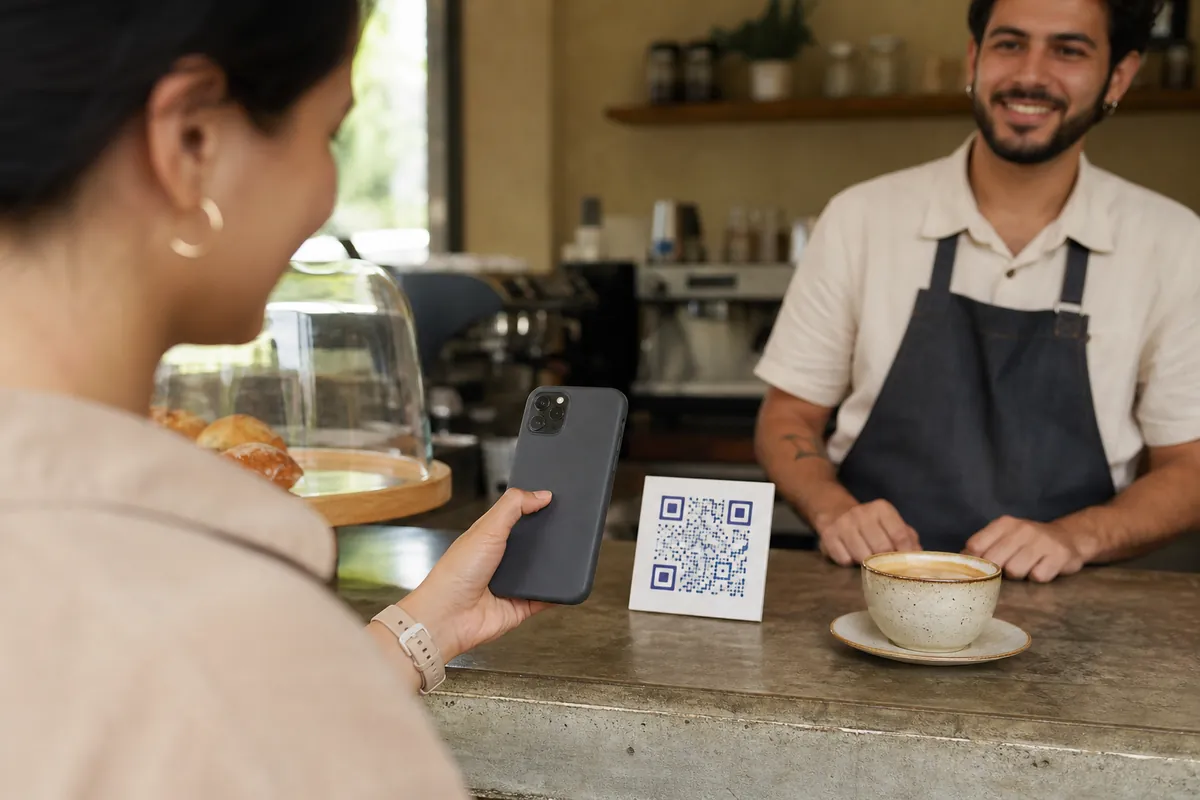
They remove steps: the customer doesn't have to save your number or write the first message. If they have WhatsApp, the chat opens directly; on a computer they see a page with your information and a Continue to chat button.
Generate your link and QR
Pick your country, type your number and the message you want to receive. The link and QR update automatically; on the left you see what the customer gets.
Make your link and QR
Print it on your counter, packaging, cards and flyers.
Illustrative recreation based on the WhatsApp Help Center (checked October 9, 2026). Menus can vary by app version and country.
The short link inside the app
- Open Tools and tap Short link.
- Copy the link or share it directly with customers.
- Turn on the default message and edit it so messages arrive with context.
- For the QR: tap View QR code, turn on Message and edit it (140 characters max).
Where to put them so people message you
| Place | Suggested pre-filled message |
|---|---|
| Instagram and TikTok bio | "Hi, I'm coming from Instagram and want to see the catalog" |
| Counter, packaging and cards (QR) | "Hi, I scanned the QR in your store" |
| Ads and flyers | "I want this week's promo" |
| Email signature and website | "Hi, I'd like a quote" |
| Google profile | "Hi, I found you on Google Maps" |
A different message per place tells you where each customer came from. For buttons on your site use the WhatsApp button generator.
Common mistakes
| ❌ Avoid | ✅ Better |
|---|---|
| Typing the number with 0, spaces or + | Digits only with country code: 15125550123 |
| Very long messages | One line with context; the app's QR allows 140 characters |
| One link for everything | One message per channel so you know what works |
When the link works too well
A good QR on the counter or a link in your ads can multiply chats. If you can't keep up, ChatSales gives you an AI assistant that replies instantly from your information and a shared inbox so your whole team can answer the same number.
Ideas to sell more on WhatsApp, in your inbox
What's new in WhatsApp and Meta, AI for business, sales and marketing, with verified data and ready-made templates. Free, no spam, unsubscribe in one click.
We'll email you to confirm. Read our privacy notice.
Sources
WhatsApp Help Center: how to create short links · view your QR code · QR default message. Checked October 9, 2026.
Frequently asked questions
Is a WhatsApp link free?
Yes. The app's short link and wa.me links are free.
Can I change my QR code?
WhatsApp has an option to reset your business QR code; check its help article before reprinting your materials.
Can the customer change the pre-filled message?
Yes, they can edit it before sending.
Does it work on a computer?
Yes. In a browser, the customer sees a page with your information and a Continue to chat button.
You might also like
Ready for a WhatsApp that replies on its own?
Create your free account and connect your first channel in minutes.