Chat
Leave internal notes in a chat
Notes are messages only your team sees: the customer never gets them. Use them to pass on context, leave to-dos or ask a teammate for something without leaving the chat.
Switch to Note
Open the chat and, above the message box, click Note (1). The box turns orange and Team Only appears (2): what you type doesn't reach the customer. If the tab is greyed out, ask your account owner for permission to create notes.

Mention a teammate
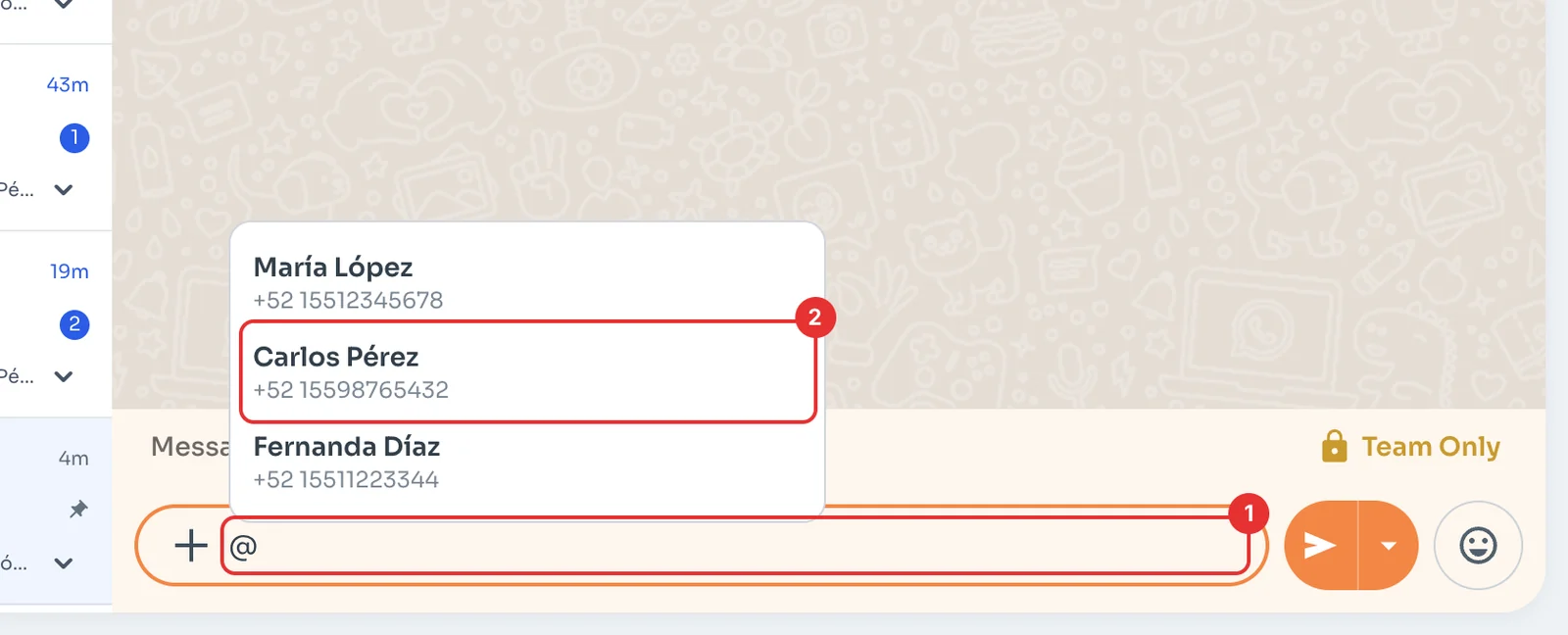
Type @ in the box (1) and pick who the note is for (2). Then write your message and press Enter.
Find the note in the chat
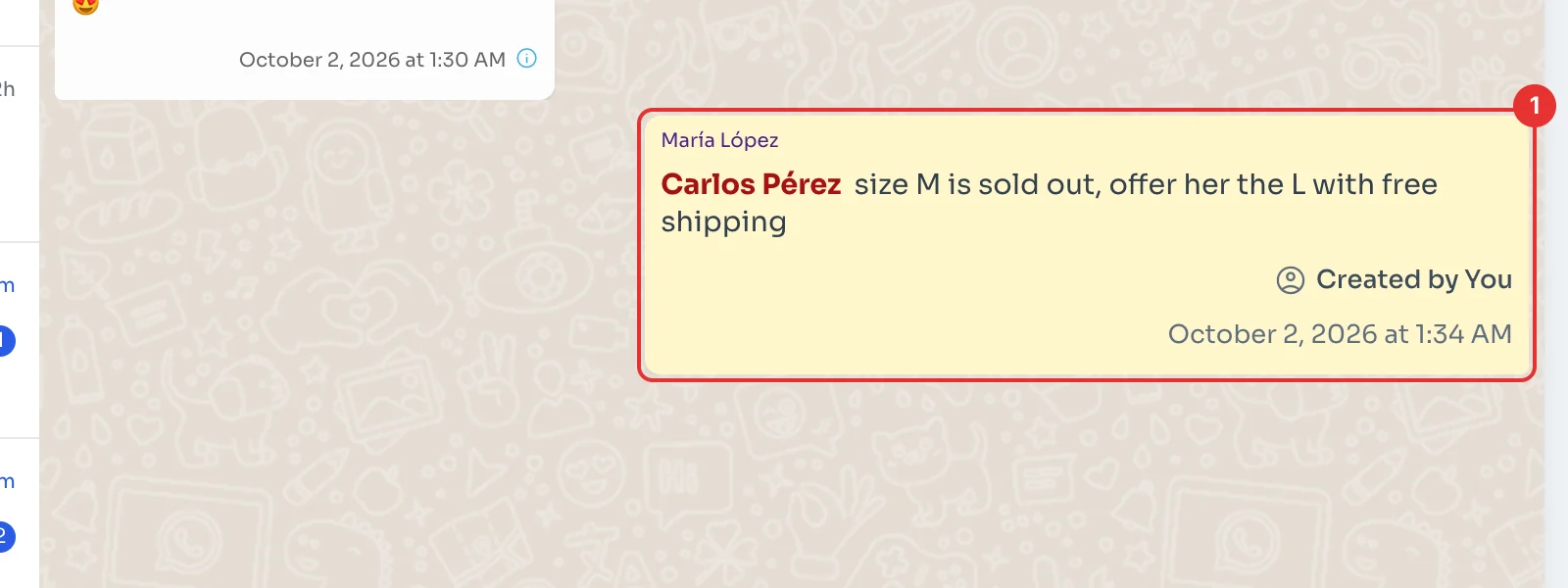
The note shows in yellow inside the conversation (1), with the name you mentioned highlighted. Your team sees it alongside the messages; the customer does not.
To write to the customer again, click Message.