Chat
See when a contact usually replies
Every contact has their time. Active hours show you when a customer usually replies, so you write to them when they're most likely to answer.
Open the contact panel
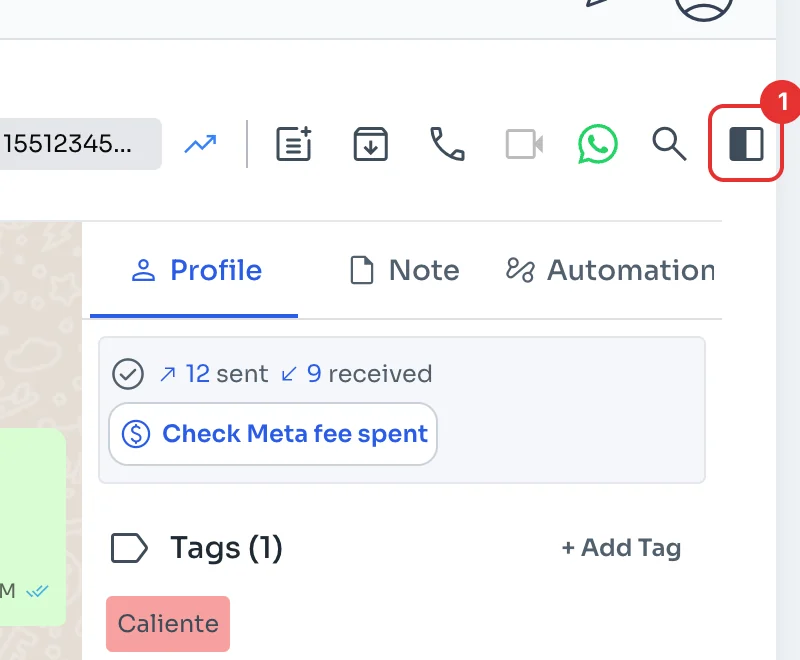
In the chat, click the icon in the top-right corner (1) to open the contact panel.
Check their active hours
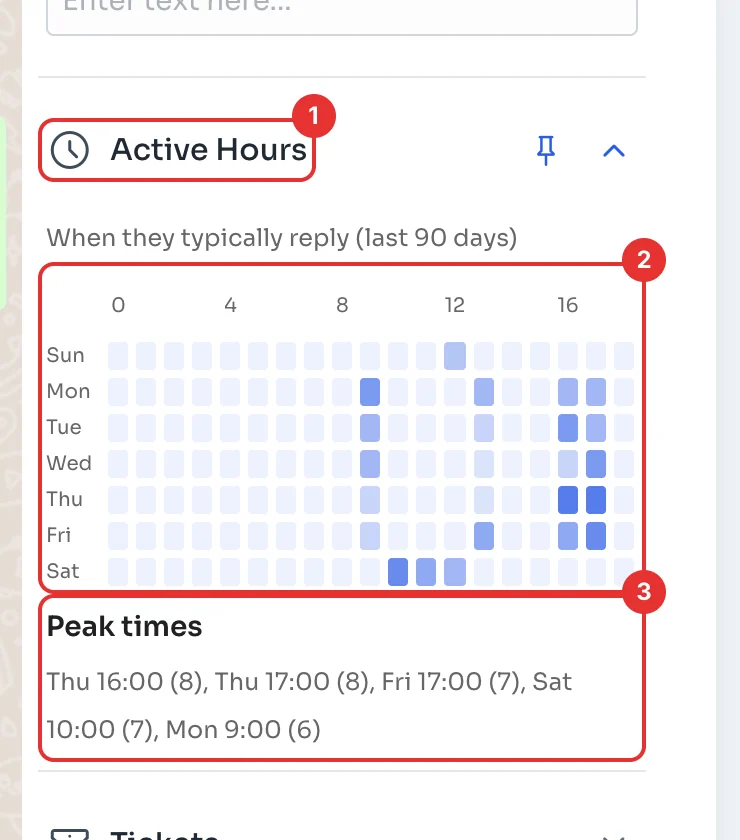
Scroll to Active Hours (1). The heat map (2) has days of the week as rows and hours of the day as columns: the darker it is, the more messages the customer sent you at that hour over the last 90 days. It only counts the customer's messages, not yours.
Peak times (3) lists their best moments, with how many messages each one had. If it says there isn't enough message data yet, the contact needs more conversation to show a pattern. On narrow screens the map can cut off the last hours of the day; Peak times always shows them.