Create your ChatSales account
To create your account you only need your name, a password and a WhatsApp number to receive the verification code. It takes a couple of minutes.
Open the sign-up page
Go to my.chatsales.app. If you already have an account, click Login instead.
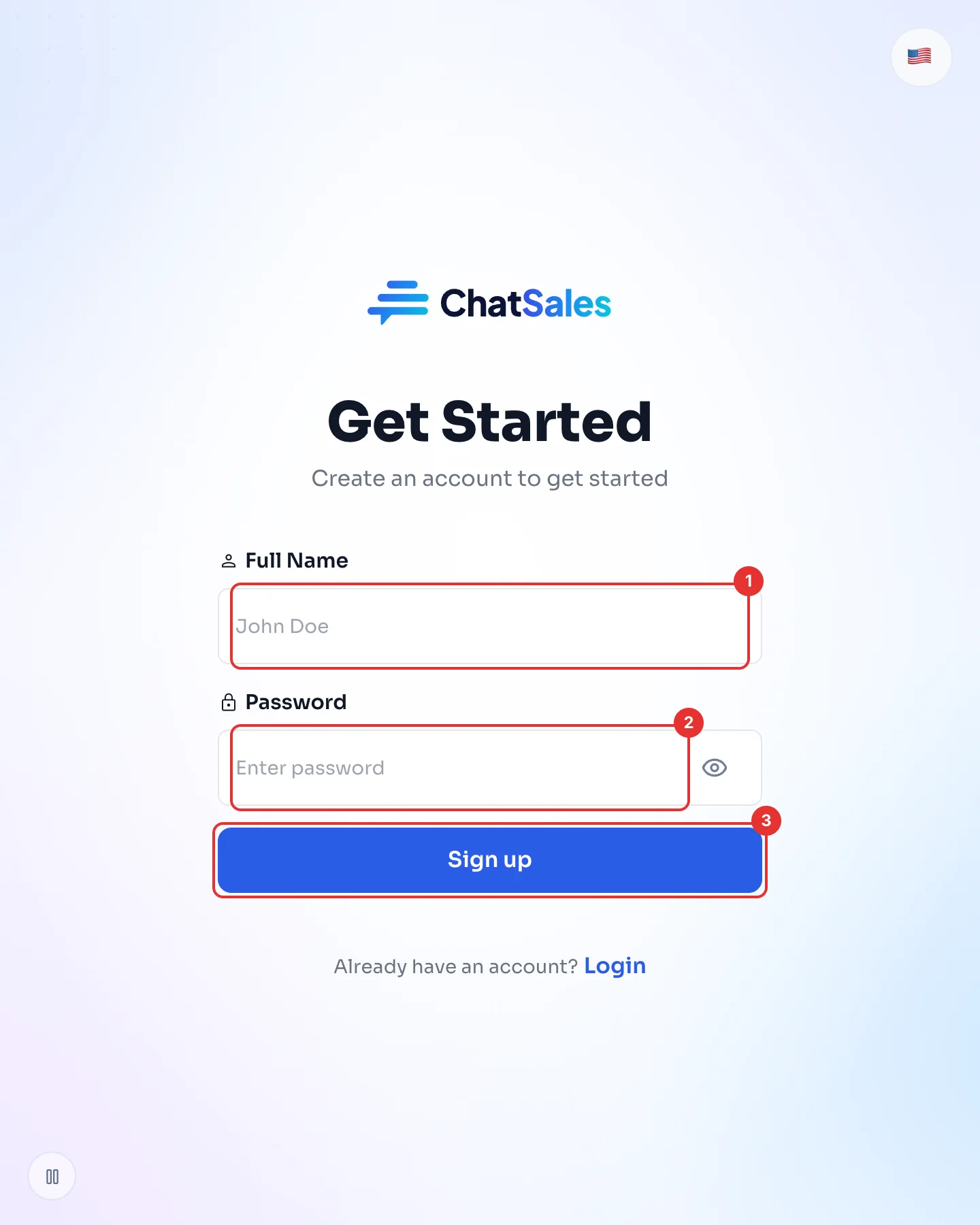
Enter your name and a password
Type your full name (1) and a password (2). The eye icon shows what you typed.
Click Sign up (3).
Verify your WhatsApp number
Enter your WhatsApp number with your country code. We send you a code on WhatsApp: type it in to confirm the number is yours, and your account is created.
If the number is already registered, log in with it or use another number.
Take the welcome tour
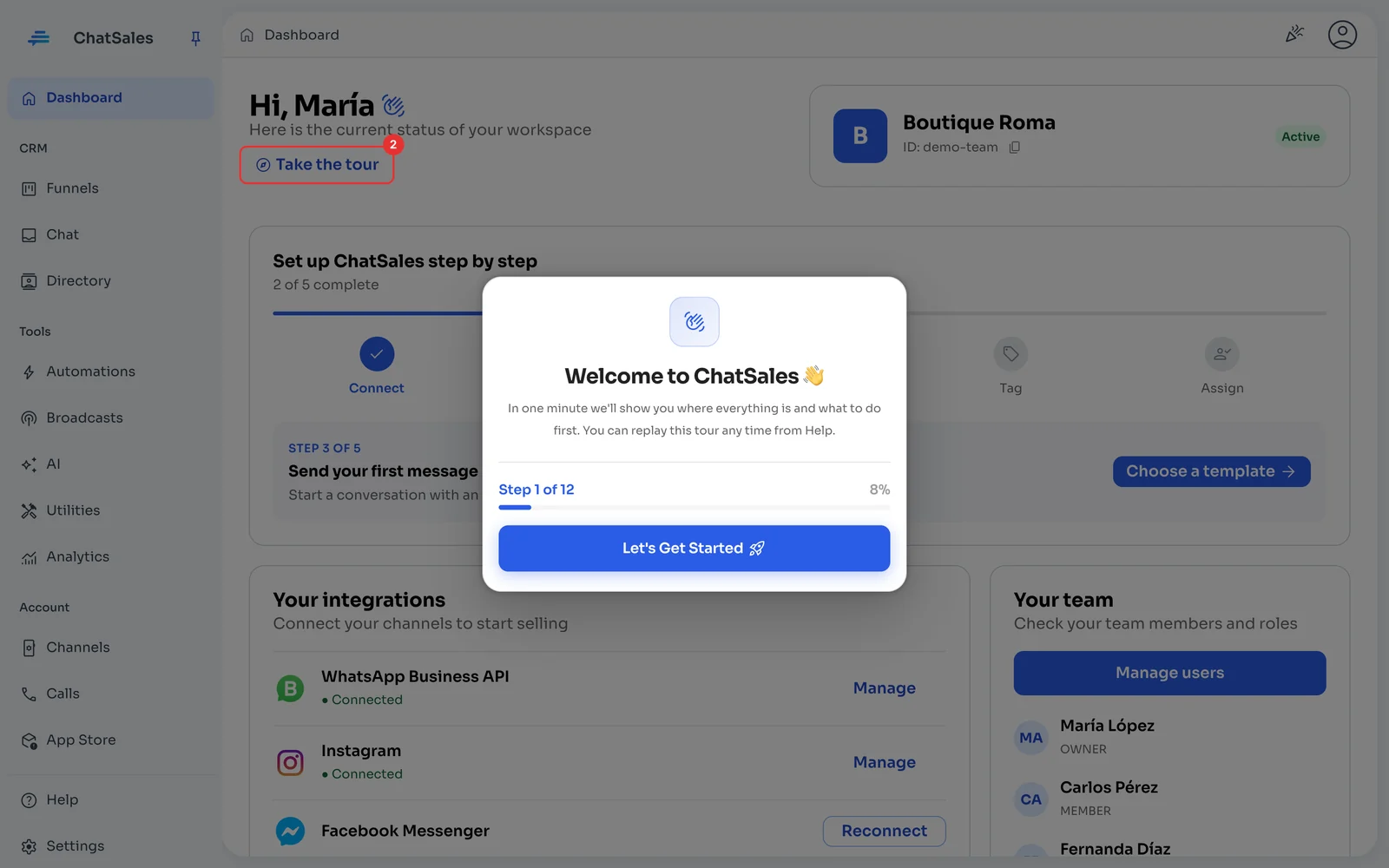
The first time you log in, ChatSales shows you a short tour of the platform. You can replay it any time from Take the tour (1) on the Dashboard.
The Dashboard also shows Set up ChatSales step by step: the same five steps as these guides.